
Nuiro Vending Machine
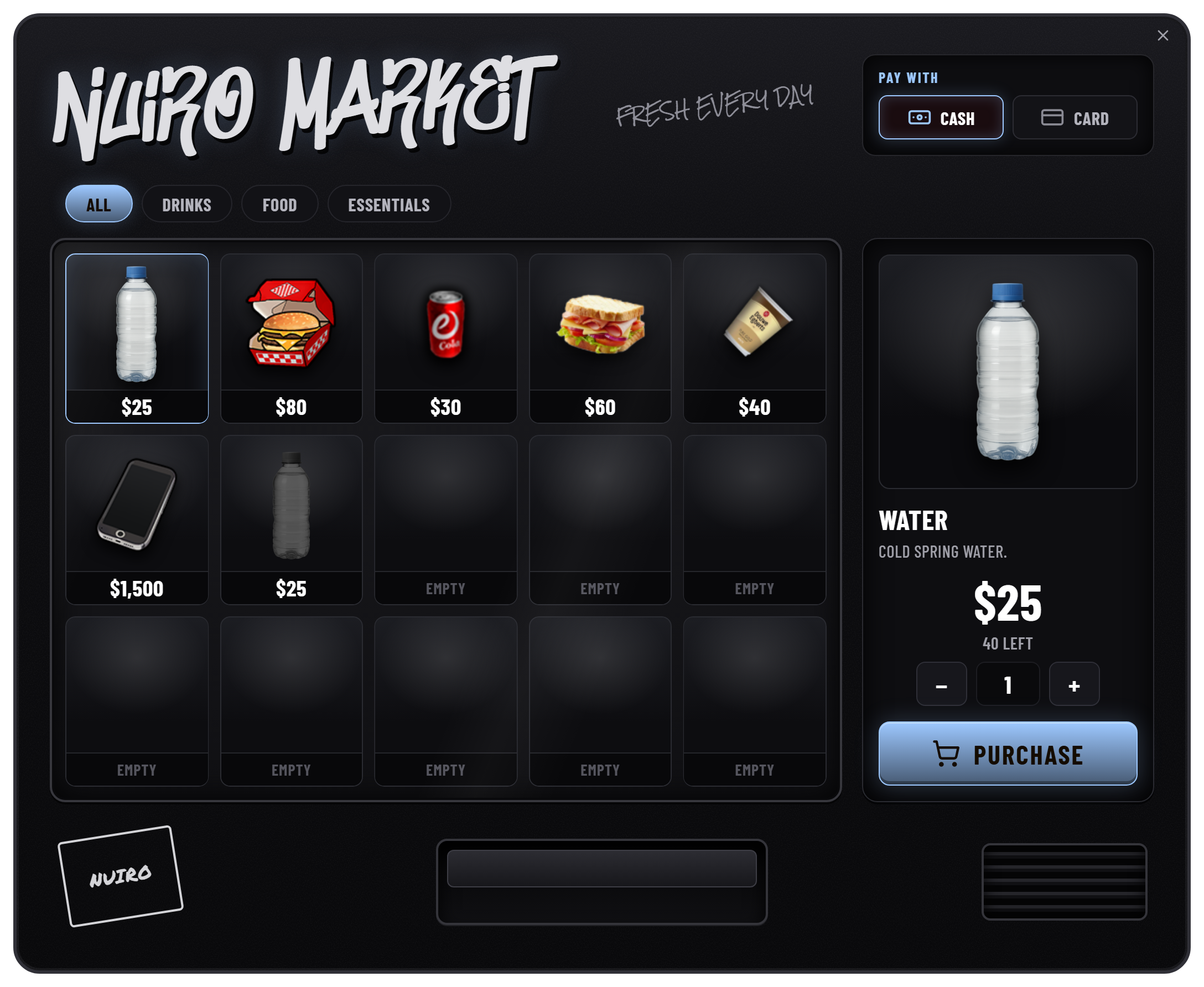
Turn an inventory of items into a player-run shop. Customers browse a vending cabinet; its owner manages listings, prices, appearance, and earnings through a service panel.
Start here
| Guide | What it covers |
|---|---|
| Installation | Dependencies, inventory item, start order, and first-run checks |
| Player & Owner UI | Customer purchases, stock, branding, sales, and withdrawals |
| Configuration | Economy, allowed items, machine styles, supplier, and limits |
| VendTrack & Rent | LB Phone app, remote monitoring, bills, and rent settings |
| Admin | Permissions, machine list, removal, and inactivity collection |
| Integrations | Built-in bridges, item images, usable-item export, and custom adapters |
| FAQ | Installation and gameplay troubleshooting |
How it works
- Buy a
vending_machineitem from the supplier, or distribute it through your own inventory shop. - Use the item and finish the in-game setup.
- Open Service Machine, load stock from your inventory, and set prices.
- Customers choose items and pay using the accounts enabled on your server.
- Review sales and withdraw the available cash-box balance to your bank.
Stock, ownership, branding, earnings, and transaction records persist in MySQL. The resource includes its own framework and inventory bridge; lumix_bridge is not required.
Local controls and remote monitoring
| At the machine | In VendTrack, with LB Phone |
|---|---|
| Buy products | View owned machines and balances |
| Add, remove, or pause listings | Monitor stock and sales |
| Change prices and branding | View machine details and sales history |
| Restock and withdraw earnings | Pay rent from the bank |
| Pick up an owned machine | Set a GPS waypoint |
Resource name
These guides use the folder name nuiro-vending, including ensure nuiro-vending and nuiro-vending.useMachine. This is separate from the phone app identifier nuiro_vending and the database table prefix nuiro_vending_.
Screenshots
Screenshots are taken directly from the resource's UI preview, with transparent backgrounds and documentation-only sample data. Each screen is captured separately. Balances, items, prices, and colors are examples; your server configuration and saved machine data determine what players see.